
July was mostly about one thing: a Corporate Card that gets accepted where prepaid cards get declined, now fully self-serve and earning 1% cashback. Bukku syncing on its own and a smarter Alfie round out the release. Here's what shipped.
💳 The new Swipey Corporate Card
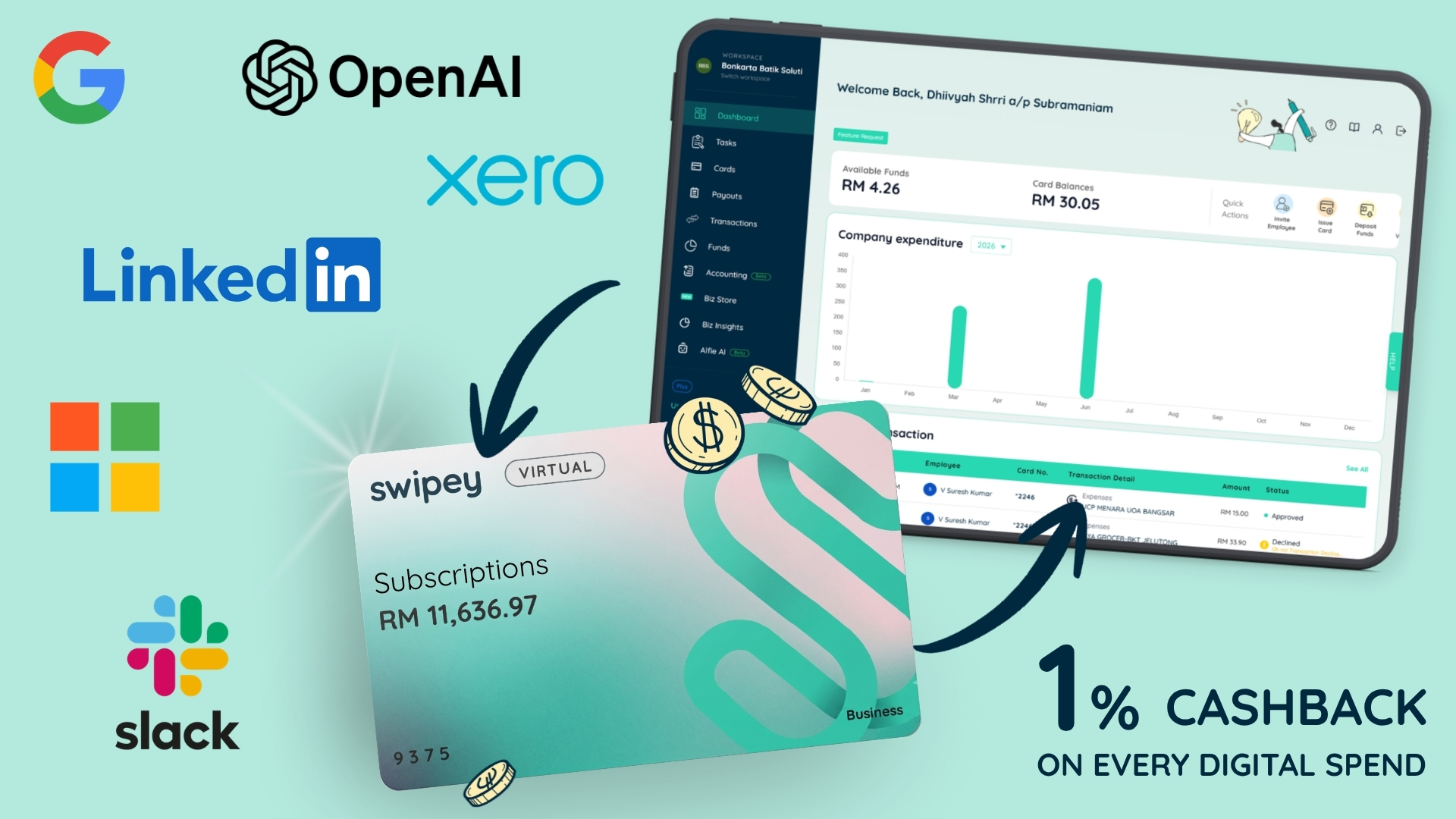
If a payment to Google, OpenAI, Microsoft or Meta has ever been declined on you, you already know the problem. Almost every business card alternative out there is prepaid, and prepaid keeps getting turned away by the platforms your business actually runs on. The fallback is your personal credit card, which puts company spend on your own statement and your own name.
The new Swipey Corporate Card exists for that spend. It gets accepted where prepaid cards don't, and it sits inside the spend management you already use, so every transaction lands in your books with everything else. On top of that, it earns 1% cashback. No other card in the market does all three.
It now does everything a Swipey card should 💪
Over the last few weeks the Corporate Card has caught up to the rest of the product. Issue one yourself in seconds from your dashboard, top it up in real time so the checkout you're mid-way through still goes through, pull funds back when a campaign pauses or a project ends, freeze it, or close it and have the remaining balance return automatically. All of it from the dashboard, none of it needing us.
More transparency on your spend ⚠️
When a transaction doesn't go through, you now see the actual reason on the transaction itself. And you're told as spend happens, not when the invoice shows up. So you always know what your team is spending, what's left, and what needs fixing, without asking anyone.
Cashback for the rest of the year 💰
Every Corporate Card transaction earns 1% back through the end of 2026. If your ad spend and software subscriptions are already going through Swipey, that's money you were leaving on the table.
🔗 Bukku now syncs on its own
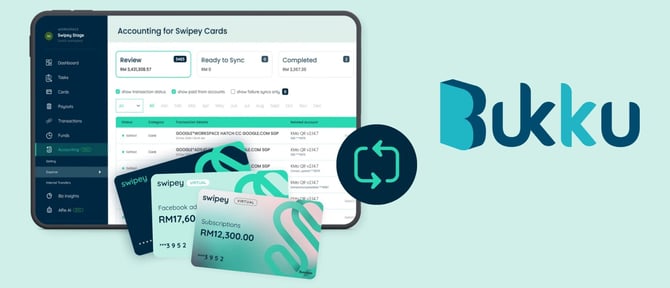
Our native Bukku integration is live. Connect it once and every Swipey transaction, card spend and payouts both, syncs straight to your books. You stay in the loop on every spend that syncs, so your books are current without you checking.
Bukku is built for Malaysian businesses, and so is this integration. Multi-entity structures are handled out of the box, so each entity's transactions land in the right set of books. Set it up in minutes and make this your fastest month-end yet.
🤖 Introducing Alfie 2.0
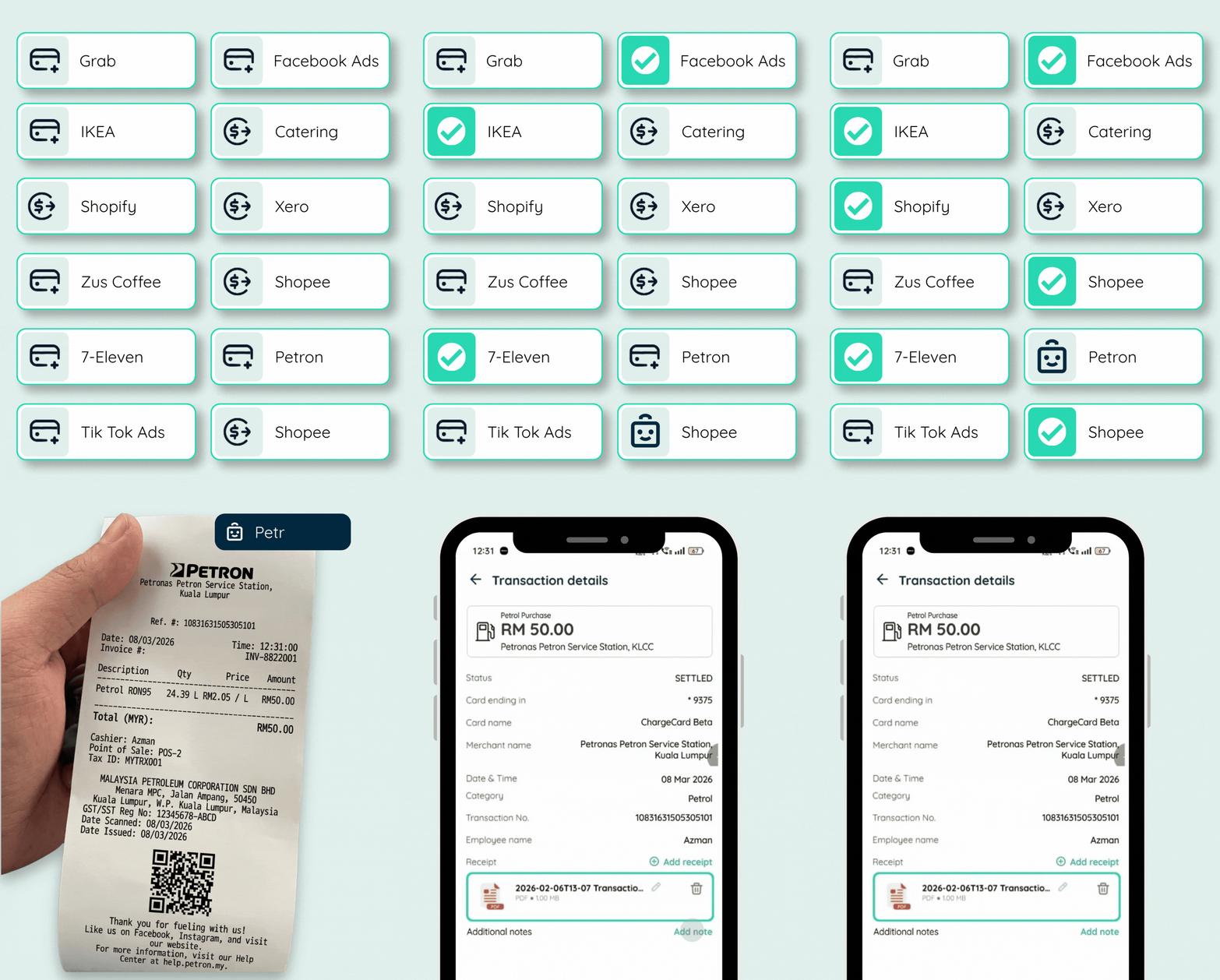
Alfie has been matching your receipts for a while. Now it's better at it.Alfie 2.0 matches receipts more accurately than 1.0, with a higher share landing correctly on the first pass. Fewer receipts come back to you at all.
It also knows its limits ✅
Confident matches attach themselves in the background. Anything it isn't sure about goes to Pending Review for you to approve or reject in seconds, so nothing gets quietly filed to the wrong transaction.
Alfie answers questions too! 📞
Alfie now sits on every page in your dashboard. Card limits, a transaction you don't recognise, a setting you can't find: ask and get an answer on the spot instead of waiting on an email.
💸 Bulk Action now possible
Do it in bulk
Update pay dates or due dates across a whole batch. Move payouts through Pending, Review, Schedule or Reject together. An afternoon of clicking is now about four clicks.
Your payouts get their own inbox
Every company gets a dedicated email address (yourcompany@bills.app.swipey.co). Invoices sent there from a vendor email you've already added land against the right entity automatically, so forwarding invoices stops being a manual step.
You can manage your vendor list now
Remove vendors you've never paid, and anyone you have paid gets archived instead of deleted so your audit trail stays intact. Swipey works out which is which.
Invoice reading is more accurate
Bank details get pulled off your uploaded invoices with fewer corrections needed, including for Malaysian bank names.
📊 Transactions and accounting, in one view
Transactions and accounting now live in a single view, so you stop switching tabs to answer one question.
Filters work identically across both. Statuses are down to three: Success, Declined, Voided. And exports now give you exactly the view you built, payouts included, instead of everything you then have to trim in Excel. You can also update accounting transactions in bulk.
📱 Mobile app updates (v3.1.5)
Pin the cards you use 📌
The horizontal card scroller is gone. You get a clean vertical list and can pin up to 3 cards you use constantly for instant access to QR payments and card details.
Filters and receipts on mobile 🔎
Transaction filters now work on mobile exactly as they do on web. And receipt tasks can be cleared from your phone, so they stop piling up until Friday.
🔌 Build Swipey into your own systems
Public API v1 is in beta with select customers, covering card transaction listing, card balances, master account balance and payout creation. If your team wants Swipey data inside your own tools, talk to us on Whatsapp about access.
⚙️Also fixed
Refunds are now clearly labelled in your transaction list. OTP screens tell you whether the code went to your email or your phone. And switching between admin and employee roles across entities no longer throws permission errors.