
Step 1
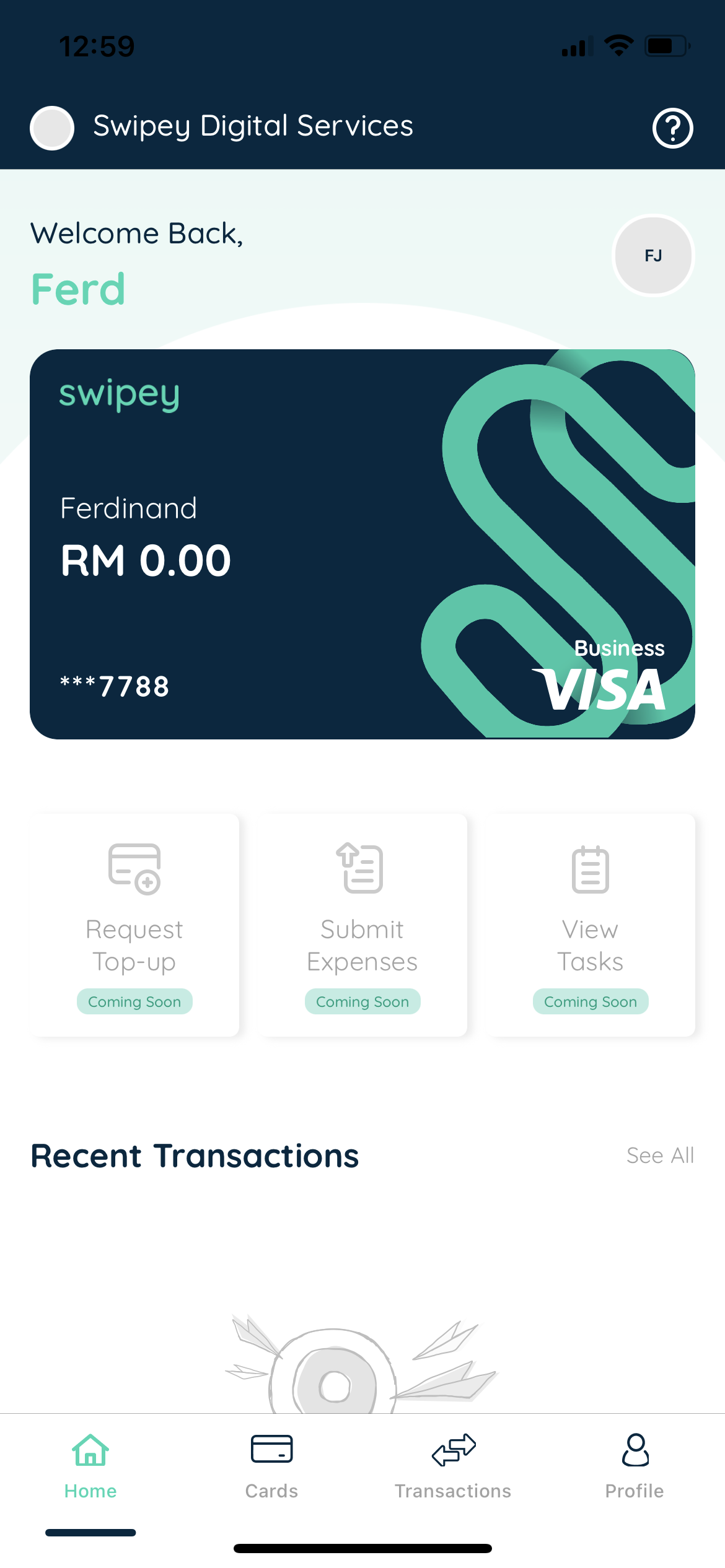
Open the Swipey Mobile App.
Step 2
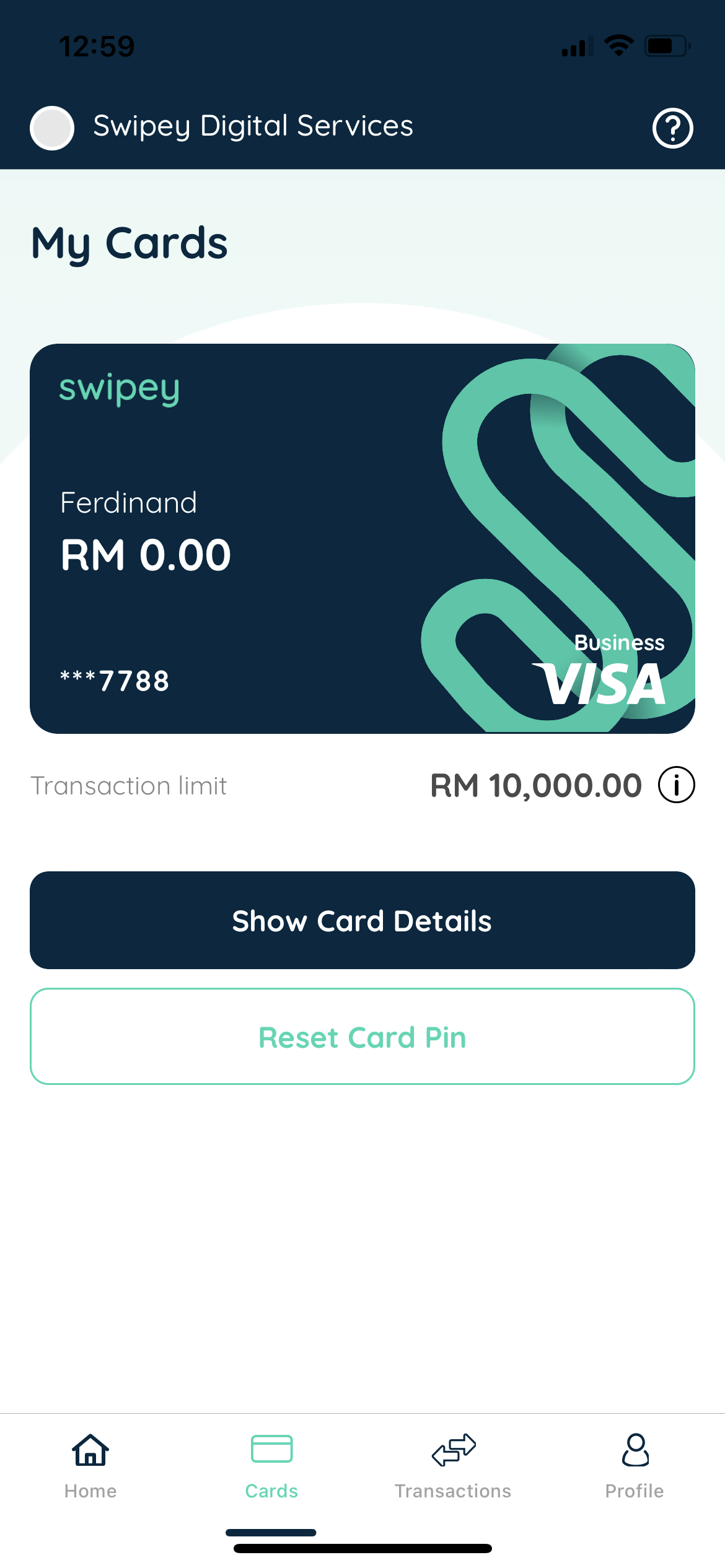
Tap on the Cards Tab and Tap on Reset Card PIN
Step 3
Key in your OTP after you have entered your 6 Digit App PIN/Face ID/Fingerprint or Touch ID

Step 4
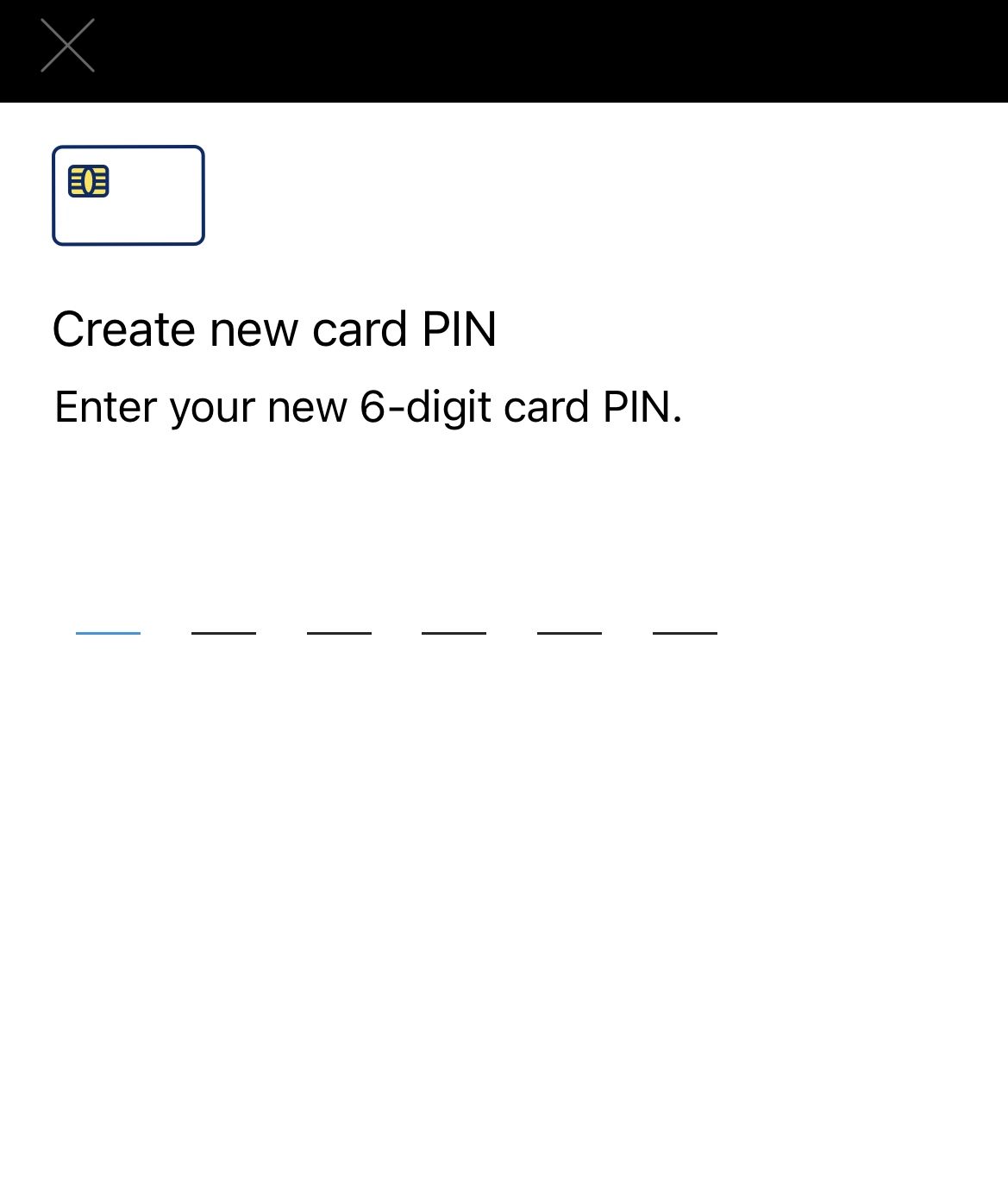
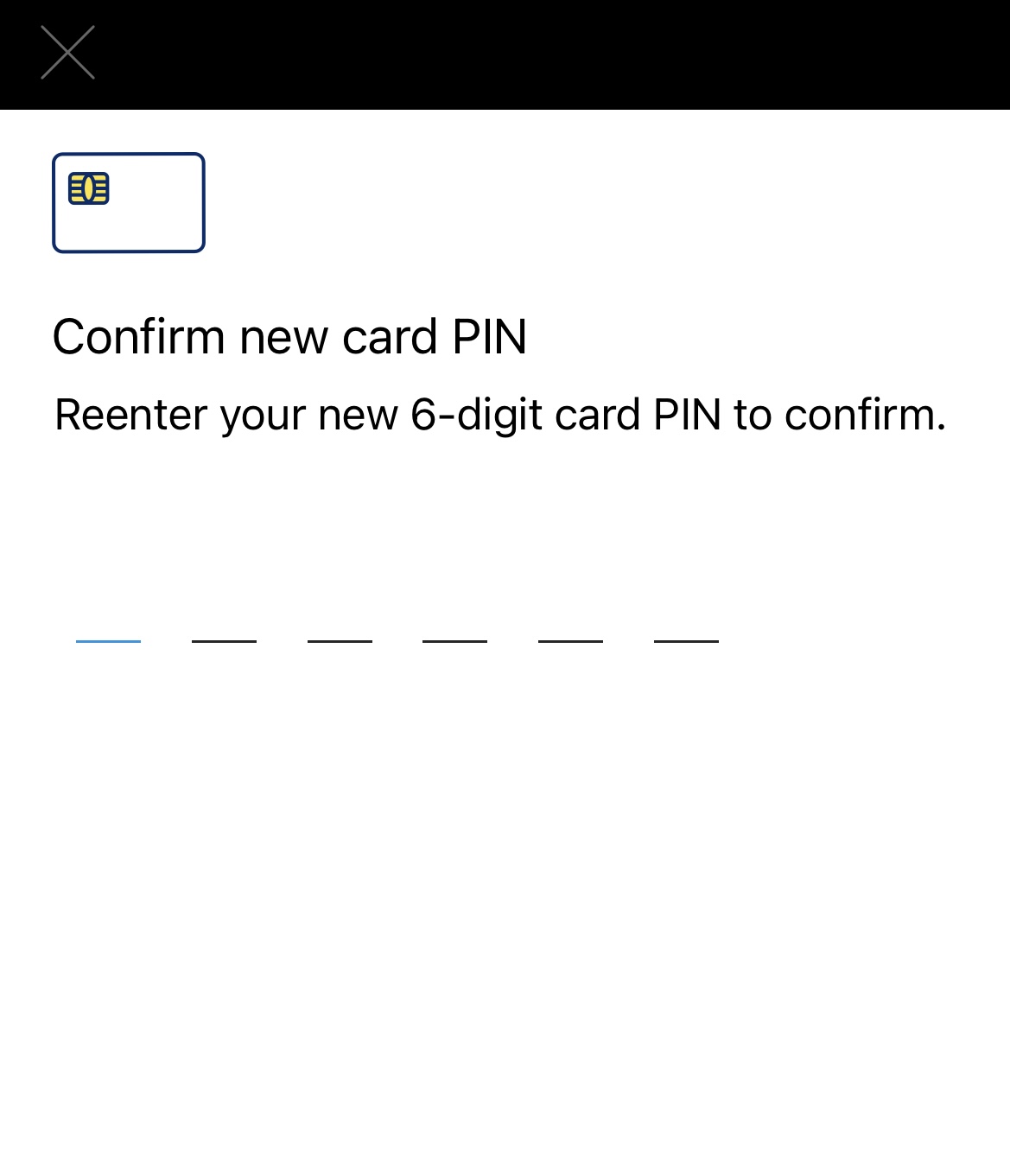
Enter your new Physical Card PIN and Confirm
Step 5
Success! 🎉