
This May, we're making Swipey work the way modern Malaysian businesses actually operate — across multiple entities, with financials that stay current automatically.
🏢 Multi-Entity Management: All Your Entities. One Workspace.
Most expense tools are built for one thing: one company, one team, one set of books. The moment your business gets more complex than that (a second entity, a new division, a brand you're managing spend for, a franchise with multiple outlets) those tools start to break down.
Multi-Entity Management fixes that.

- One Account, Multiple Workspaces: Create separate workspaces for every entity under a single Swipey login. Each entity, whether it's a company, a division, a client brand, or an outlet, gets its own cards, budgets, and admins, fully isolated from the others. No risk of mix-ups.
- Switch Instantly: Move between entities in one click from the top nav. No logging out, no separate credentials. Whether you're managing two entities or ten, the experience is the same.
- Consolidated Visibility: Get a high-level view of spending across all your entities at once, or drill into any one for the full detail. Statements are downloadable per entity or combined — however your finance team needs it.
- Unified Approvals: Pending spend from every entity flows into a single queue. One place to review, approve, and move on.
Learn more about how Multi-Entity Management works
🔗 Accounting Integration: Your Books, Done Automatically.
Every Swipey transaction, in your accounting software, in real time. If your expense tool and your accounting software don't talk to each other, someone on your team is doing the translation manually. Exporting transactions, reformatting data, re-entering it into your accounting software, then reconciling at month-end. Every single month.
Swipey's accounting integration closes that gap for good.
Connect your accounting platform once, and every transaction made on a Swipey card flows across automatically — categorised, with receipts already attached, in real time. No exports. No manual entry. Month-end closing in minutes, not days.
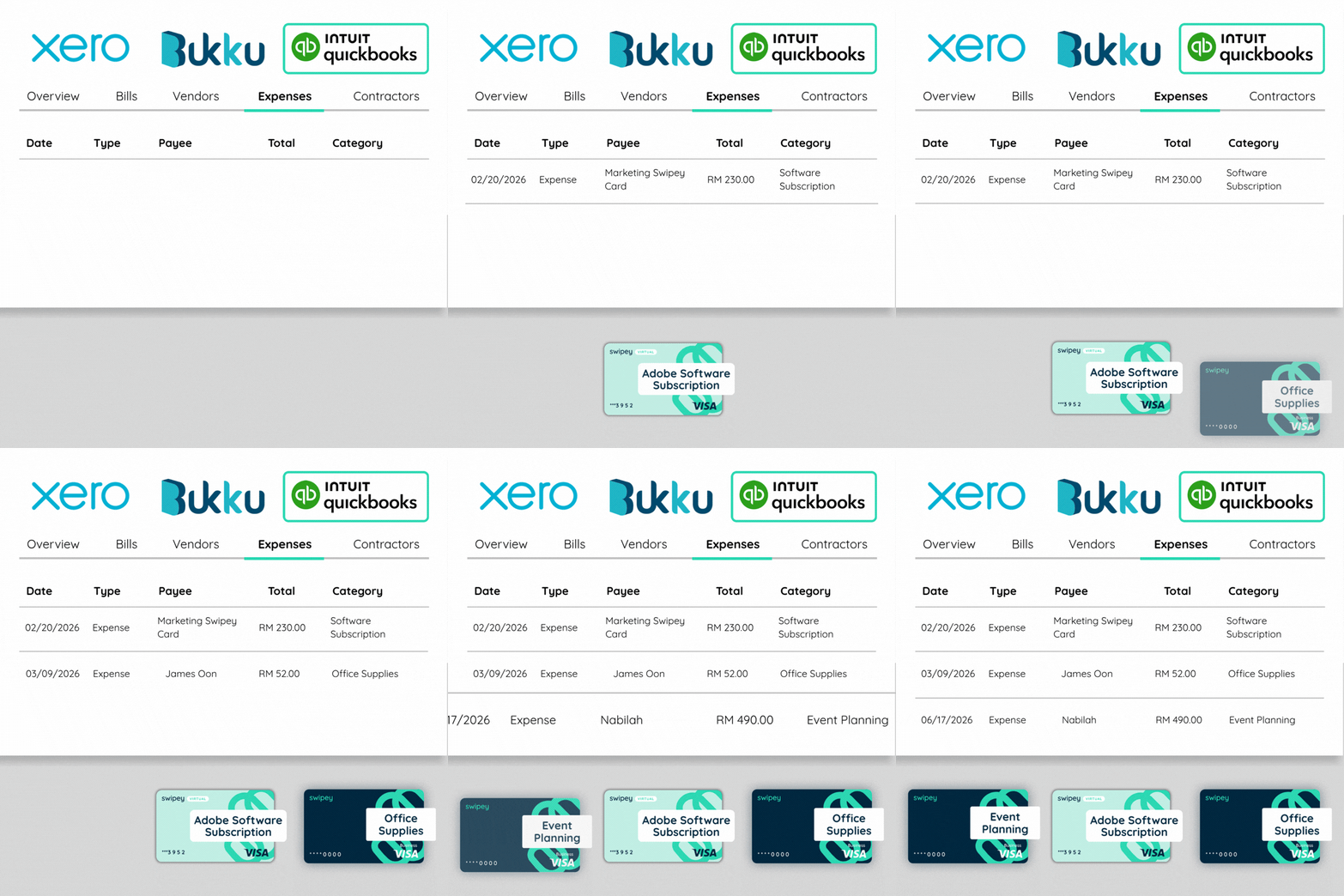
Here's what's available:
- QuickBooks: Connect Swipey to QuickBooks in under 5 minutes. From that point, every transaction syncs automatically — categorised, organised, and ready for review without anyone lifting a finger.
- Xero: Running Xero for your accounting? Link it to Swipey and every card transaction flows straight into your Xero account, receipt attached, ready for your accountant.
- Bukku: Built specifically around how Malaysian businesses run (local payment rails, FPX, and multi-entity support). Join the waitlist to be first when it's ready.
To connect QuickBooks, click here. To connect Xero, click here. On Bukku? Join the waitlist and we'll let you know when it's ready.